Who is this for?
Beginner & Intermediate Developers looking to level up their React Native skills and build production-ready, full-stack mobile applications.
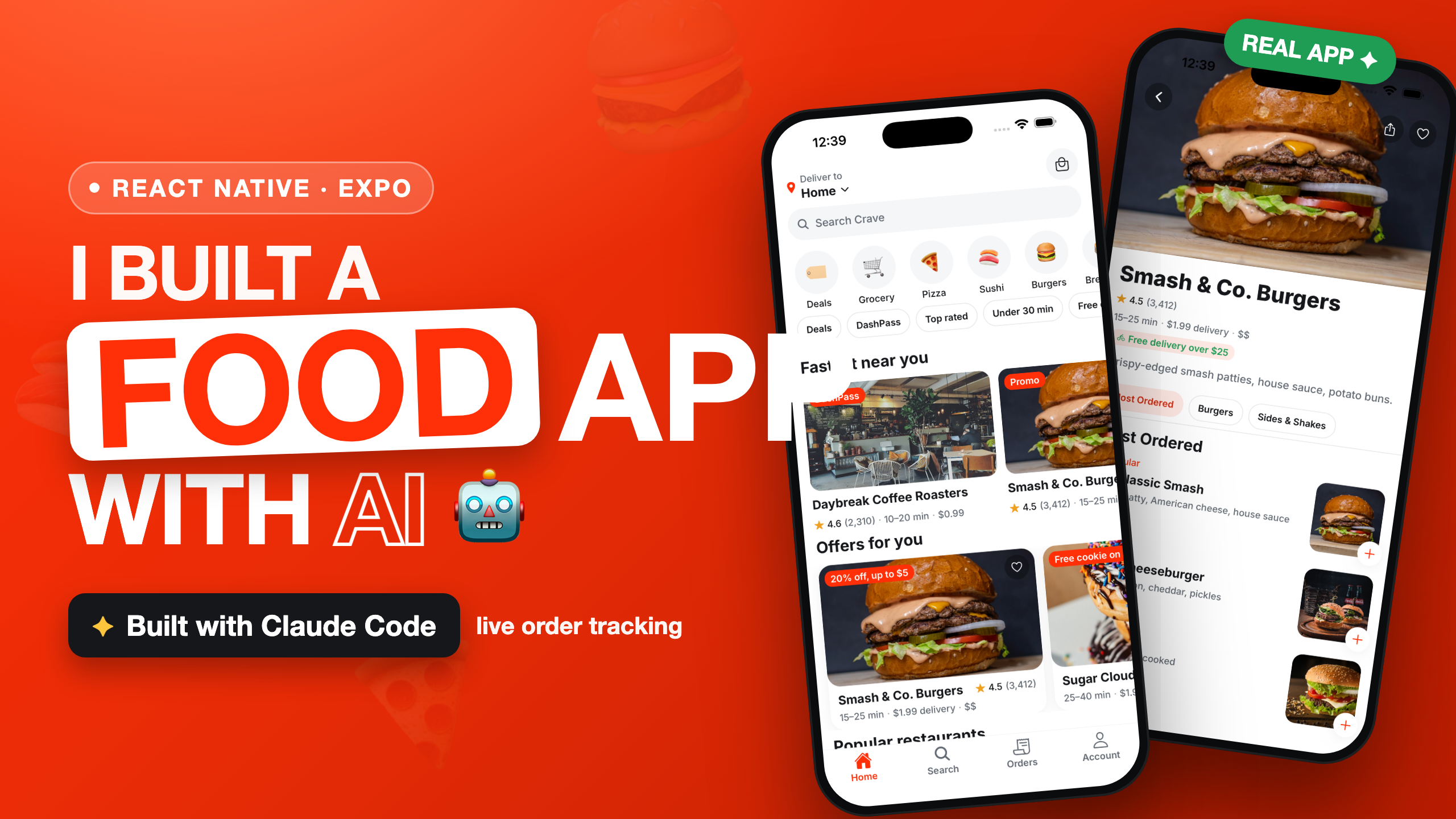
Crave — a complete food delivery app for iOS AND Android
Crave is a polished, DoorDash-inspired food delivery app for iOS and Android, built with Expo (React Native) on a mock / local-only backend — no servers, no API keys, no sign-ups. Browse a location-aware home feed, explore restaurants and menus, customize items with live pricing, and run a full cart → checkout → live order-tracking loop, all from realistic seed data served through a single typed mock API that simulates network latency. Everything persists on-device, so the whole experience works offline and is demoable instantly. When you outgrow mock/local, you swap one module for a real backend (Supabase / Firebase / REST) without touching a single screen. Tech stack: Expo Router · TypeScript (strict) · Reanimated 4 · Zustand · expo-image · Zod · AsyncStorage.
Technologies Used
Key Features
- 🍔 Home discovery — location header, search, round category row, multi-select filter chips, and feed carousels (Fastest near you, Offers for you, Popular) with pull-to-refresh and skeleton loaders.
- 🔎 Smart search — 250ms-debounced queries, recent searches, suggested cuisines, and a filter sheet for sort / price / cuisine.
- 🍽️ Restaurant detail — parallax collapsing hero with a sticky category strip that scroll-syncs to the menu sections.
- 🧩 Item customization — radio/checkbox option groups with live price deltas, required-option gating, quantity, and a fly-to-cart animation.
- 🛒 Cart & checkout — grouped lines, swipe-to-delete, promo codes, a full price breakdown, and mock address / time / payment / tip — all in integer minor units.
Who is this for?
Beginner & Intermediate Developers looking to level up their React Native skills and build production-ready, full-stack mobile applications.
Starter Docs & Prompts
Everything you need to kick off this project — copy the master prompt or setup docs below and use them directly in your editor or AI assistant.
Save this as CLAUDE.md in your project root so Claude Code follows the project's setup and conventions.
Available in Github Repository